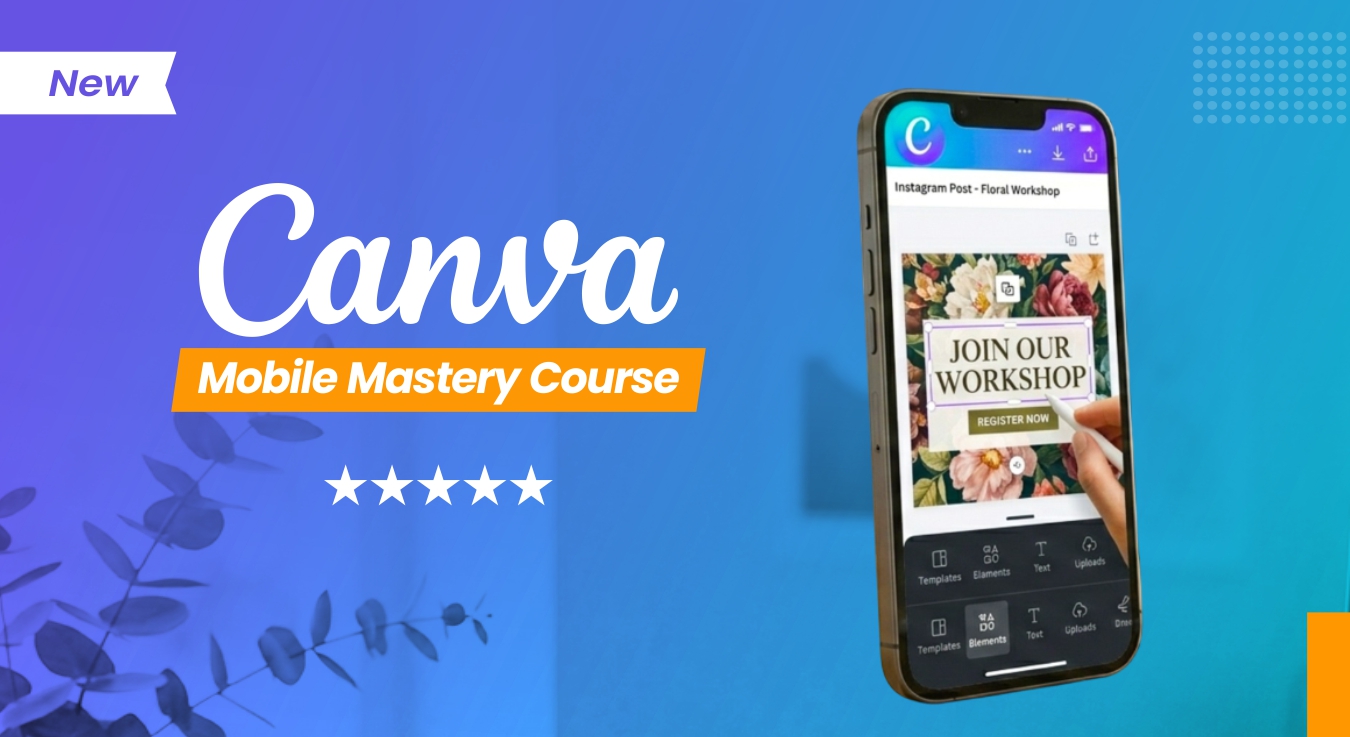
Canva Mobile Mastery Course – Design + Editing
About Course
Become a Content Creator using Canva Mobile.
This course is designed for beginners who want to create professional-level designs, reels, and videos directly from their mobile phone — without any complex software. Learn how to design like a pro, create engaging social media content, and edit videos using Canva.
Course Content
Canva Mobile Mastery Course
-
Class 1 – Introduction of Canva & Logo Design with Canva Template
09:43 -
Class 2 – How to Use Elements & Simple Editing Tips in Canva
08:31 -
Class 3 – How you can use Text in Shape in Canva?
05:32 -
Class 4 – How you can write Text in Curve & Wave Style in Canva?
03:33 -
Class 5 – How to Remove the Background of an Image and Use It in Canva
04:10 -
Class 6 – Social Media Post & Story Design with Canva Templates
-
Class 7 – How you can Design YouTube Thumbnail in Canva with templates
12:54 -
Class 8 – How can you use different categories of fonts in Canva?
06:51 -
Class 9 – How you can create social media post with free canva templates?
08:41 -
Class 10 – How you can create invitation instagram story with free template in canva?
08:50 -
Class 11 – Complete Poster Design from Scratch in Canva
13:43 -
Class 12 – How to create GIF in Canva ?
07:40 -
Class 13: How to Create Short videos with using transitions in Canva?
12:08
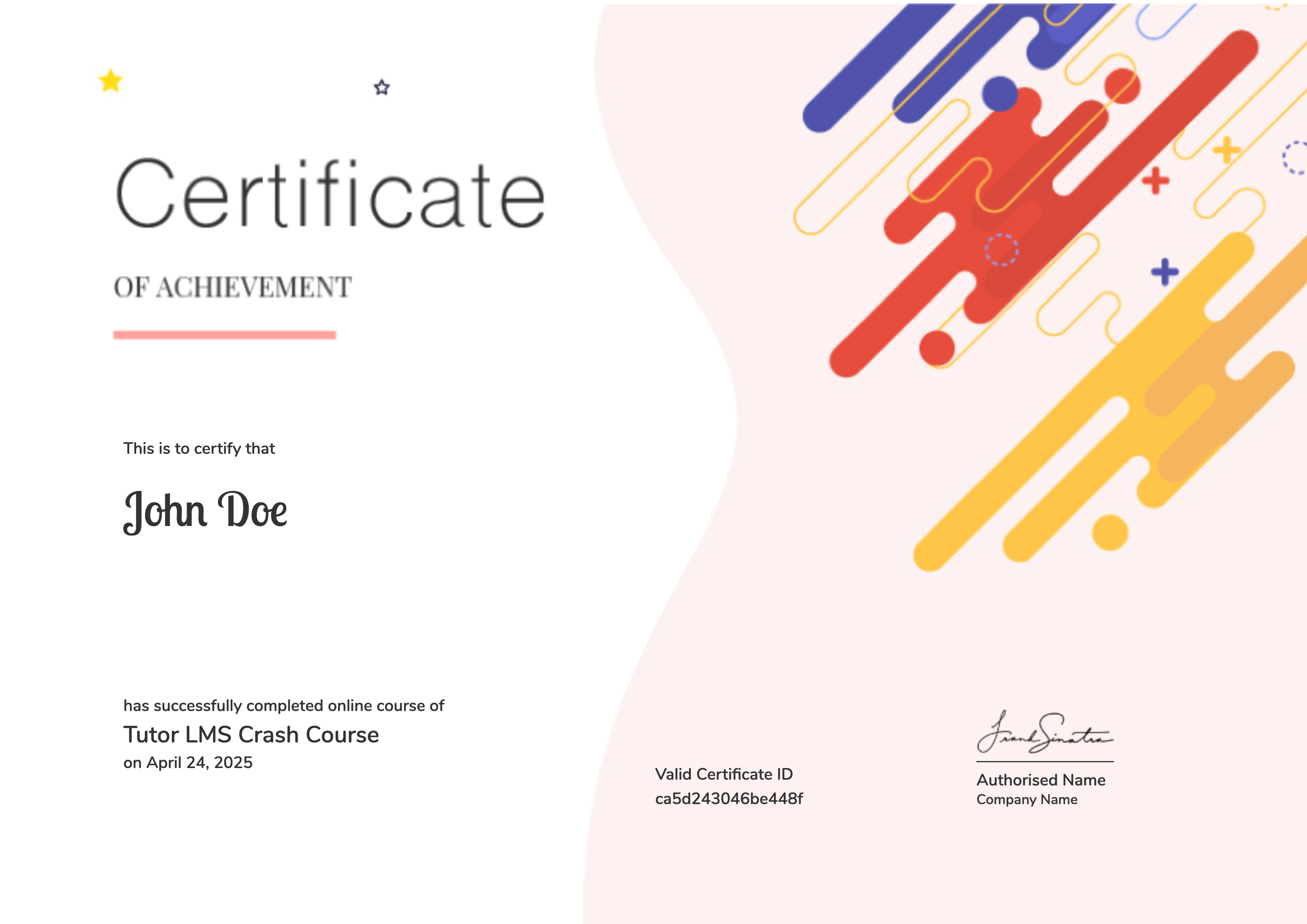
Earn a certificate
Student Ratings & Reviews

No Review Yet
