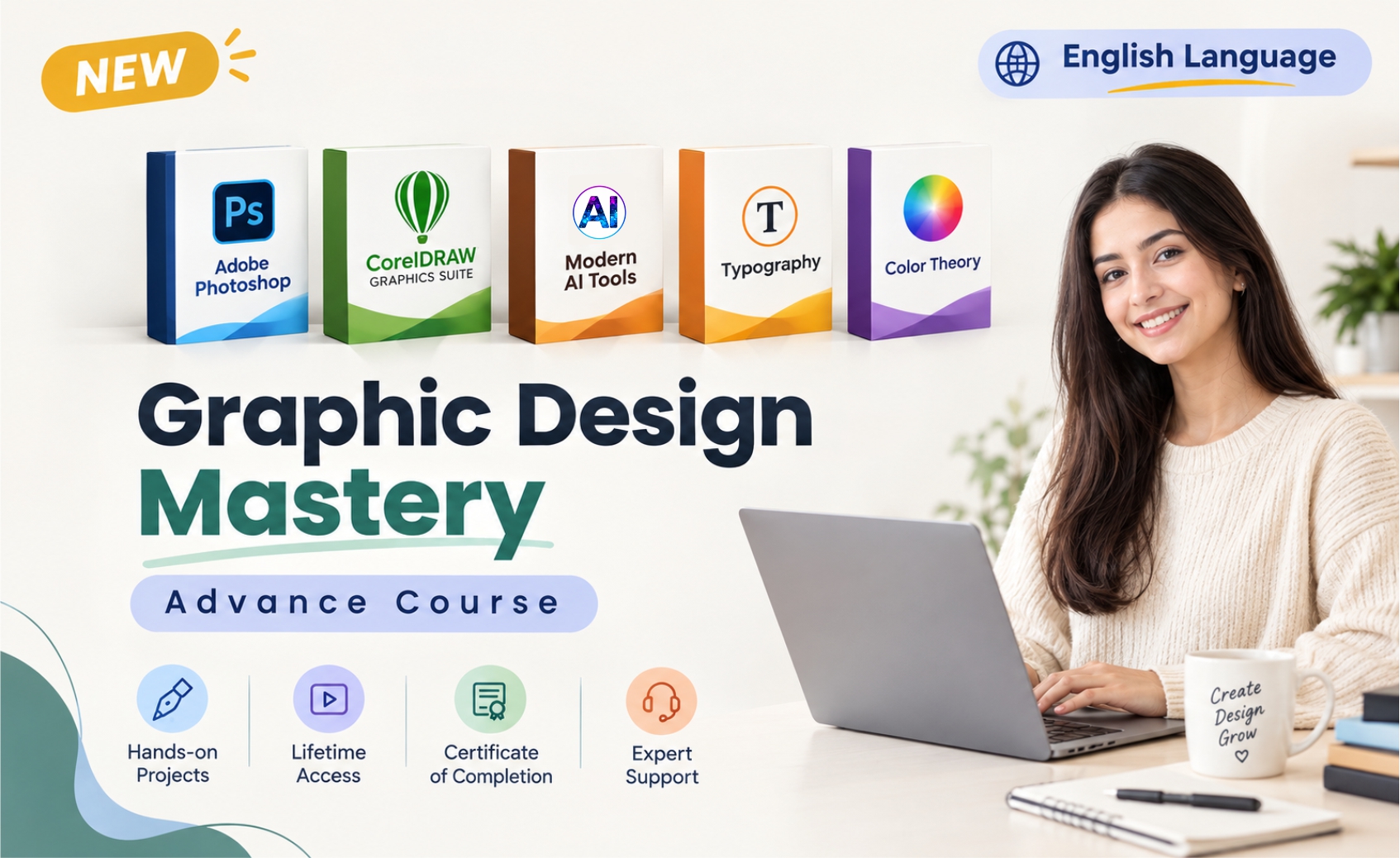
Graphic Design Mastery Advance Course – Adobe Photoshop, Corel Draw & AI Tools.
Categories: Adobe Photoshop, Design
Wishlist Share
Share Course
Page Link
Share On Social Media

About Course

About Course

Become job ready Graphic Designer with this course.
Graphic Design for beginners including Graphic Design Theories, Adobe Photoshop,  Corel Draw, AI Tools, Industry level projects & Creative Thinking.

What Will You Learn?

  • Graphic design theories.
  • Color theory.
  • Creative thinking.
  • Advertising rules in action while Designing.
  • Photoshop tools panels & essentials training.
  • Corel Draw tools panels & essentials training with industry level design projects.
  • You will find many exercises to sharped your design skills.
  • You will learn how to design precisely in Photoshop using design grids & guides.
  • Create graphics from scratch.
  • How to use Photoshop in a creative way to create stunning Ads.
  • The science behind achieving great visuals
  • about typography anatomy & how to use type & fonts properly.
  • Work like a professional in Photoshop mastering all Non- destructive techniques.
  • Use the Pen & drawing tools like a professional in Photoshop.
Show More

What Will You Learn?

  • Graphic design theories.
  • Color theory.
  • Creative thinking.
  • Advertising rules in action while Designing.
  • Photoshop tools panels & essentials training.
  • Corel Draw tools panels & essentials training with industry level design projects.
  • You will find many exercises to sharped your design skills.
  • You will learn how to design precisely in Photoshop using design grids & guides.
  • Create graphics from scratch.
  • How to use Photoshop in a creative way to create stunning Ads.
  • The science behind achieving great visuals
  • about typography anatomy & how to use type & fonts properly.
  • Work like a professional in Photoshop mastering all Non- destructive techniques.
  • Use the Pen & drawing tools like a professional in Photoshop.

Course Content

Graphic Design Mastery Advance Course – Adobe Photoshop, Corel Draw & AI Tools.

  • CLASS 1 : ADOBE PHOTOSHOP INTRODUCTION, INTERFACE & WORKSPACE
    10:13
  • CLASS 2 – MOOV TOOL & MARQUEE TOOL IN ADOBE PHOTOSHOP
    29:17
  • CLASS 3 – NAVIGATION AND CROPING IMAGE IN ADOBE PHOTOSHOP
    09:52
  • CLASS 4 – Spot Healing Brush Tool & Patch Tool in Adobe Photoshop
    15:11
  • CLASS 5 – CONTENT AWARE MOVE TOOL & ERASER TOOL IN ADOBE PHOTOSHOP
    00:00
  • CLASS 6 – SPONGE TOOL, DODGE TOOL & BURN TOOL IN ADOBE PHOTOSHOP
  • CLASS 7 – BLUR TOOL, SHARPEN TOOL & SMUDGE TOOL IN ADOBE PHOTOSHOP
    07:31
  • CLASS 8 LASSO TOOL, POLYGON LASSO TOOL & MAGNETIC LASSO TOOL IN ADOBE PHOTOSHOP
    08:27
  • CLASS – 9 MAGIC WAND TOOL & QUICK SELECTION TOOL IN ADOBE PHOTOSHOP
    07:13
  • CLASS – 10 CLONE STAMP TOOL IN ADOBE PHOTOSHOP
  • CLASS – 11 BRUSH TOOL PART 1 IN ADOBE PHOTOSHOP
    11:32
  • CLASS – 12 BRUSH TOOL PART 2 IN ADOBE PHOTOSHOP
    13:03
  • CLASS – 13 BRUSH TOOL PART 3 IN ADOBE PHOTOSHOP
  • CLASS – 14 BRUSH TOOL PART 4 IN ADOBE PHOTOSHOP
    06:03

Student Ratings & Reviews

No Review Yet
No Review Yet